Tuesday, July 21, 2015

Superimposing a Picture


        Combining Images: More specifically you will be superimposing a picture onto another picture
             (usually a background)
       
        Requirements: background picture (historical building/landscape) and a picture of yourself.

        Assignments: for this assignment you will use one of the photos you took from Balboa Park of a             statue/museum/or any significant historical building and superimpose a picture of yourself
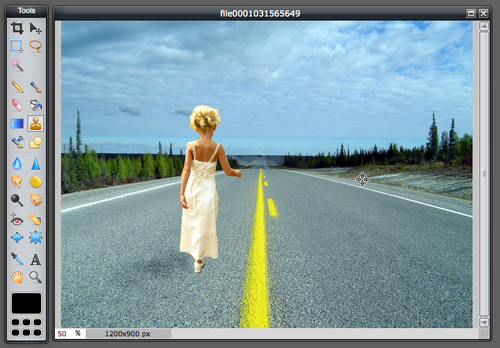


      Watch the following youtube videos to guide your transformation:


      Here is a list of the major steps:

      1. Create a new image and give it a title
      2. Open Background Pic
      3. Open Portrait Pic
      4. Superimpose picture by cutting and pasting
      5.

Monday, July 20, 2015

Course Overview


Pixlr Editor is a robust browser photo editor. You will have full control over your images: including layers, effects, filters, and much more. 


   Features include:

   Create and customize a photo collage by editing its layout, background, and spacing
    Explore cool tools: easily adjust the contrast and brightness of your image, focus on one color with 
    Color Splash, or add impact with Focal Blur
    Make your photo look like a drawing or sketch with stylize adjustments such as halftone, watercolor,       and pencil.
    Remove red-eye and whiten teeth with simple tools
    Overlays help adjust the mood of the photo – amplify the tone, cool it down, or add surreal shades


   Course Overview: